Agent basics
What can your AI agent do on your computer?
See which agents and tools Rexi finds, then follow what those agents do in plain language.
Start with the tools
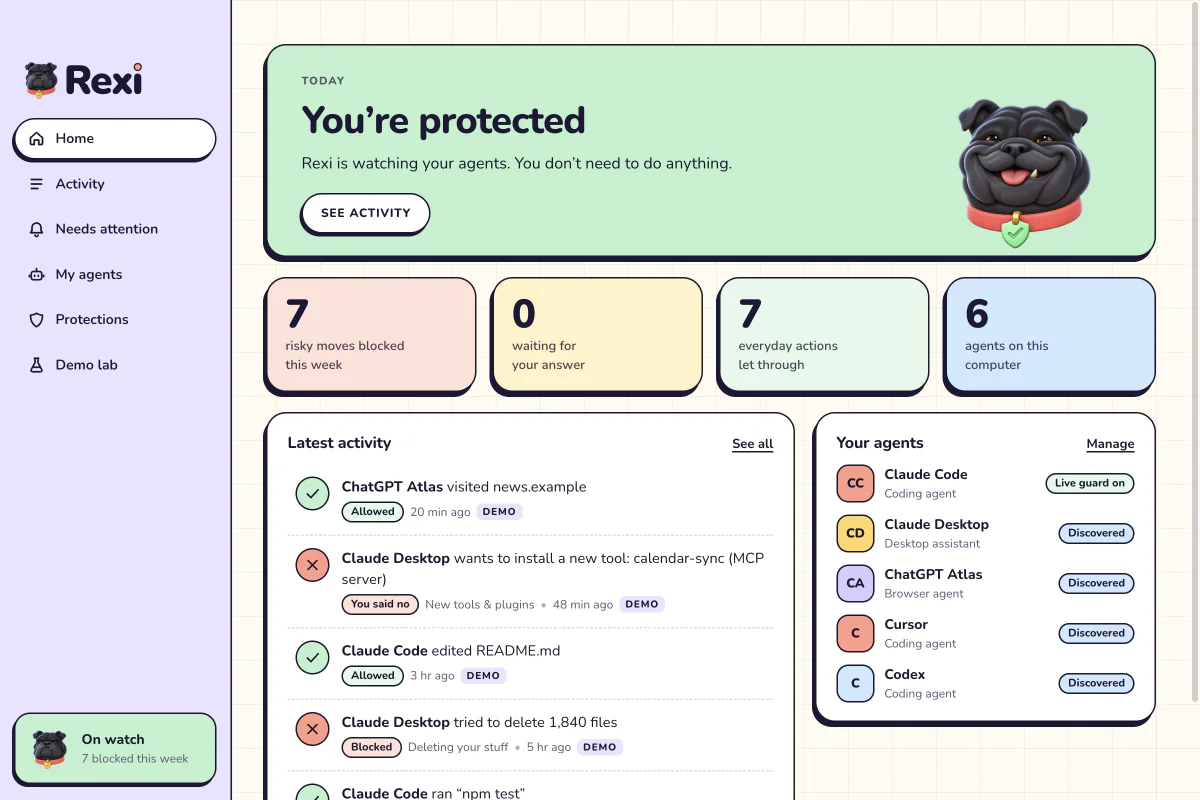
An agent’s tools determine what it can do beyond writing a response. Open My Agents in Rexi to see the agents it discovers and the tools it finds connected to each one. Review tools you don’t recognize before asking an agent to use them.
Follow an action from request to outcome
Open Activity to see how Rexi describes actions and verdicts in plain language. Start with a task you recognize, such as reading a project file or running a build. Check whether Rexi allowed the action, blocked it, or asked you to decide.
Check which agents have a live guard
Rexi’s live guard currently checks Claude Code tool calls. Other supported agents can appear in discovery, so check which agent you’re using before relying on live protection.